Order card
What was bought or booked, what it cost and where it stands — a receipt, one row, or the confirmation of a booking.
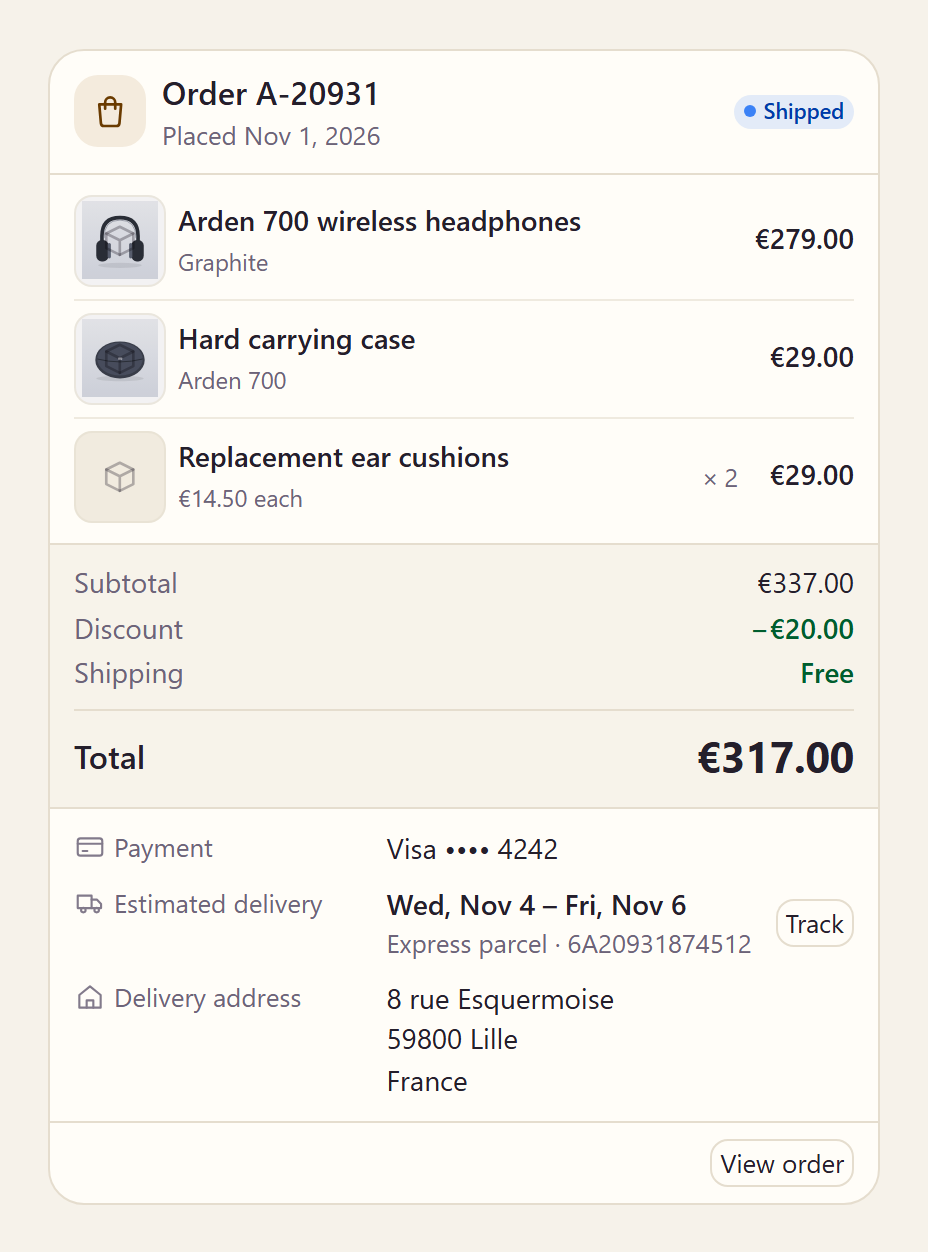
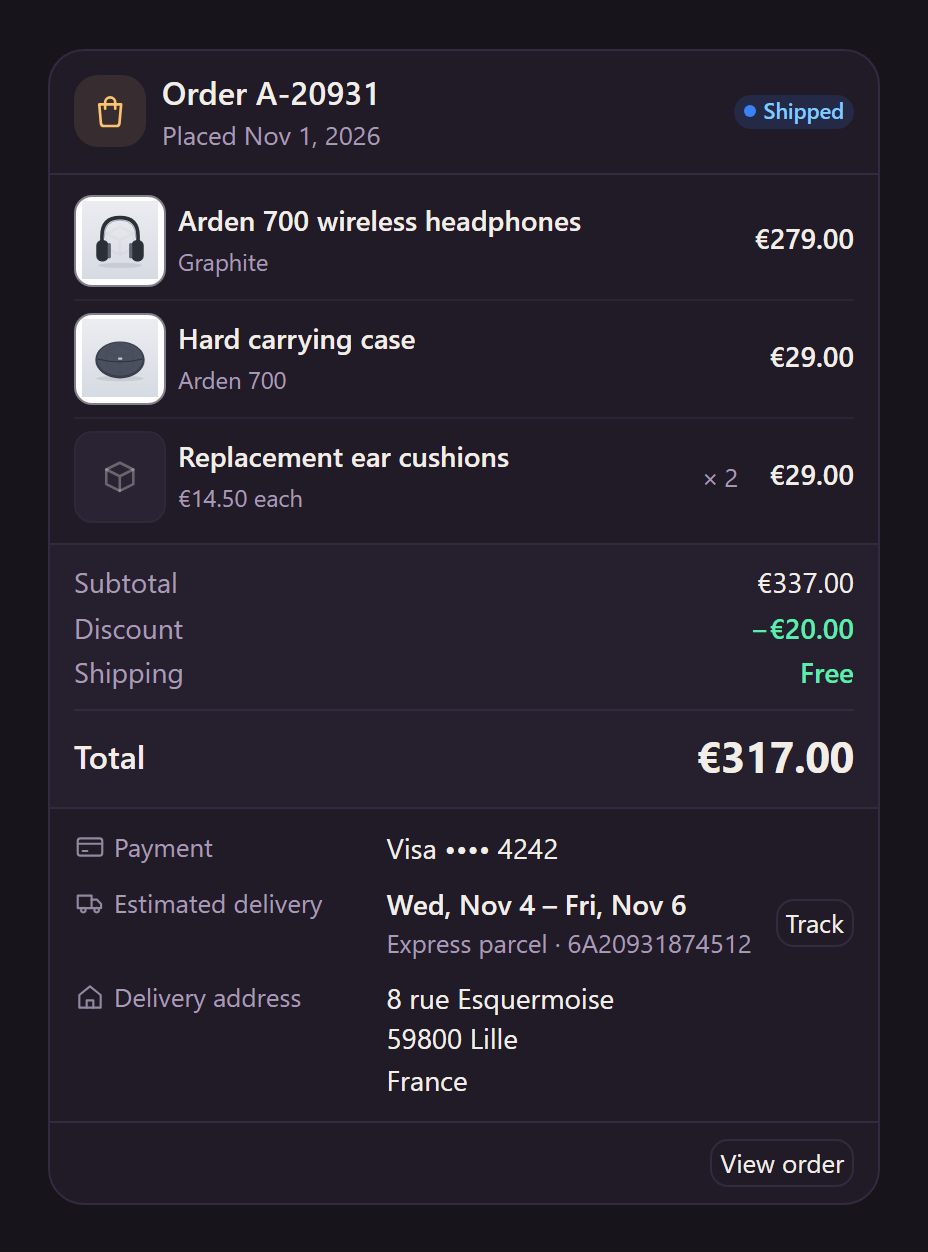
<aparte-chat-viewport style="height: 52rem"></aparte-chat-viewport>

<script>
  // In an app: import { setupOrderCard } from '@aparte/plugin-cards/order';
  const { setupOrderCard } = window.apartePlugins.cards.order;

  // A card shows only http(s) pictures: these are served by this site, which its image
  // policy lets load. Without it they wait behind "Show images", as any picture would.
  window.aparte.aparteGlobalConfig.setImagePolicy(['self']);
  const picture = (name) => new URL('/demo-pictures/' + name + '.svg', location.href).href;

  setupOrderCard({ tool: 'get_order' });

  const viewport = document.querySelector('aparte-chat-viewport');
  viewport.appendMessage({ id: 'u1', role: 'user', content: 'Where is my headphones order?', timestamp: Date.now() });
  viewport.appendMessage({ id: 'a1', role: 'assistant', timestamp: Date.now(), segments: [{
    id: 's1', type: 'tool_call', status: 'resolved',
    toolCall: { id: 'c-s1', name: 'get_order', input: { orderId: 'A-20931' } },
    structuredResult: {
      reference: 'A-20931', status: 'shipped', date: Date.now() - 2 * 86400000, currency: 'EUR',
      items: [
        { title: 'Arden 700 wireless headphones', subtitle: 'Graphite', image: picture('headphones-graphite'), quantity: 1, price: 279 },
        { title: 'Hard carrying case', subtitle: 'Arden 700', image: picture('case'), quantity: 1, price: 29 },
        { title: 'Replacement ear cushions', quantity: 2, price: 14.5 },
      ],
      discount: 20, shipping: 0, payment: { brand: 'Visa', last4: '4242' },
      shippingAddress: { address1: '8 rue Esquermoise', zip: '59800', city: 'Lille', country: 'France' },
      delivery: {
        estimate: { from: Date.now() + 86400000, to: Date.now() + 3 * 86400000 },
        carrier: 'Express parcel', trackingNumber: '6A20931874512', trackingUrl: 'https://track.example.com/6A20931874512',
      },
      url: 'https://shop.example.com/orders/A-20931',
    },
  }] });
</script>
The whole record, as a receipt: the lines, the totals (worked out when the tool leaves them out, and a tool’s own total always wins), the payment, the delivery with its estimate and a Track button, and the address. Its status is a word in the chat’s language.
Variants
Section titled “Variants”Compact
Section titled “Compact”<aparte-chat-bubble message-id="a1" data-role="assistant" name="Assistant"></aparte-chat-bubble>
<script>
// In an app: import { setupOrderCard } from '@aparte/plugin-cards/order';
const { setupOrderCard } = window.apartePlugins.cards.order;
// A card shows only http(s) pictures: these are served by this site, which its image
// policy lets load. Without it they wait behind "Show images", as any picture would.
window.aparte.aparteGlobalConfig.setImagePolicy(['self']);
const picture = (name) => new URL('/demo-pictures/' + name + '.svg', location.href).href;
setupOrderCard({ tool: 'get_order', variant: 'compact' });
document.querySelector('aparte-chat-bubble').setSegments([{
id: 's1', type: 'tool_call', status: 'resolved',
toolCall: { id: 'c-s1', name: 'get_order', input: { orderId: 'A-20931' } },
structuredResult: {
reference: 'A-20931', status: 'shipped', date: Date.now() - 2 * 86400000, currency: 'EUR',
items: [
{ title: 'Arden 700 wireless headphones', subtitle: 'Graphite', image: picture('headphones-graphite'), quantity: 1, price: 279 },
{ title: 'Hard carrying case', subtitle: 'Arden 700', image: picture('case'), quantity: 1, price: 29 },
{ title: 'Replacement ear cushions', quantity: 2, price: 14.5 },
],
discount: 20, shipping: 0, payment: { brand: 'Visa', last4: '4242' },
shippingAddress: { address1: '8 rue Esquermoise', zip: '59800', city: 'Lille', country: 'France' },
delivery: {
estimate: { from: Date.now() + 86400000, to: Date.now() + 3 * 86400000 },
carrier: 'Express parcel', trackingNumber: '6A20931874512', trackingUrl: 'https://track.example.com/6A20931874512',
},
url: 'https://shop.example.com/orders/A-20931',
},
}]);
</script>One row, for a list of past orders.
A booking confirmed
Section titled “A booking confirmed”<aparte-chat-bubble message-id="a1" data-role="assistant" name="Assistant"></aparte-chat-bubble>
<script>
// In an app: import { setupOrderCard } from '@aparte/plugin-cards/order';
const { setupOrderCard } = window.apartePlugins.cards.order;
// A hotel's dates are days, not midnights: the card counts the nights between them.
const day = (n) => new Date(Date.now() + n * 86400000).toISOString().slice(0, 10);
setupOrderCard({ tool: 'book_room', variant: 'confirmation' });
document.querySelector('aparte-chat-bubble').setSegments([{
id: 's1', type: 'tool_call', status: 'resolved',
toolCall: { id: 'c-s1', name: 'book_room', input: { hotel: 'Hôtel des Arts', nights: 3 } },
structuredResult: {
kind: 'booking', title: 'Hôtel des Arts', reference: 'HDA-7Q2M', status: 'confirmed', currency: 'EUR',
booking: { start: day(14), end: day(17), location: '24 rue de Paris, Lille', guests: 2 },
facts: [{ label: 'Room', value: 'Deluxe double, courtyard side' }, { label: 'Breakfast', value: 'Included' }],
total: 486, payment: 'Paid at the hotel',
},
}]);
</script>kind: 'booking' with the confirmation variant: the moment it is placed. A hotel’s
"2026-11-14" is a day, not midnight, and the card counts the nights between two of them.
While the call runs
Section titled “While the call runs”<aparte-chat-bubble message-id="a1" data-role="assistant" name="Assistant"></aparte-chat-bubble>
<script>
// In an app: import { setupOrderCard } from '@aparte/plugin-cards/order';
const { setupOrderCard } = window.apartePlugins.cards.order;
setupOrderCard({ tool: 'get_order' });
// The call is still running: the card draws its skeleton, with what the input already says.
document.querySelector('aparte-chat-bubble').setSegments([{
id: 's1', type: 'tool_call', status: 'pending',
toolCall: { id: 'c-s1', name: 'get_order', input: { orderId: 'A-20931' } },
}]);
</script>The order number the call names is shown, not shimmered: it is already known.
Waiting for a person
Section titled “Waiting for a person”<aparte-chat-bubble message-id="a1" data-role="assistant" name="Assistant"></aparte-chat-bubble>
<script>
// In an app: import { setupOrderCard } from '@aparte/plugin-cards/order';
const { setupOrderCard } = window.apartePlugins.cards.order;
setupOrderCard({ tool: ['place_order', 'cancel_order'] });
// Waiting for a person, then refused: one line each, never a card drawn from a call that did not run.
document.querySelector('aparte-chat-bubble').setSegments([
{ id: 's1', type: 'tool_call', status: 'awaiting-approval',
toolCall: { id: 'c-s1', name: 'place_order', input: { reference: 'A-21007', items: [{ title: 'Arden 500, sand', quantity: 1 }] } } },
{ id: 's2', type: 'tool_call', status: 'rejected',
toolCall: { id: 'c-s2', name: 'cancel_order', input: { reference: 'A-20931' } } },
]);
</script>An order is the kind of call that waits for a yes. While it waits, and once it is refused, the card is one line that says so: a card drawn from a call that did not run would show a purchase that did not happen. The decision itself is asked by the approval panel.
npm install @aparte/plugin-cards @aparte/coreimport { setupOrderCard } from '@aparte/plugin-cards/order';
setupOrderCard({ tool: 'get_order' });
setupOrderCard({ tool: 'book_room', map: (result) => ({ ...result, kind: 'booking' }), variant: 'confirmation' });readOrder already takes a Shopify or WooCommerce order and a Stripe Checkout session (say
minorUnits: true for amounts in cents). The fields are in
the guide.
Related
Section titled “Related”- Approval — the question an order waits on.
- Product card — the products before they are bought.